
Put your agency’s brand on the portal
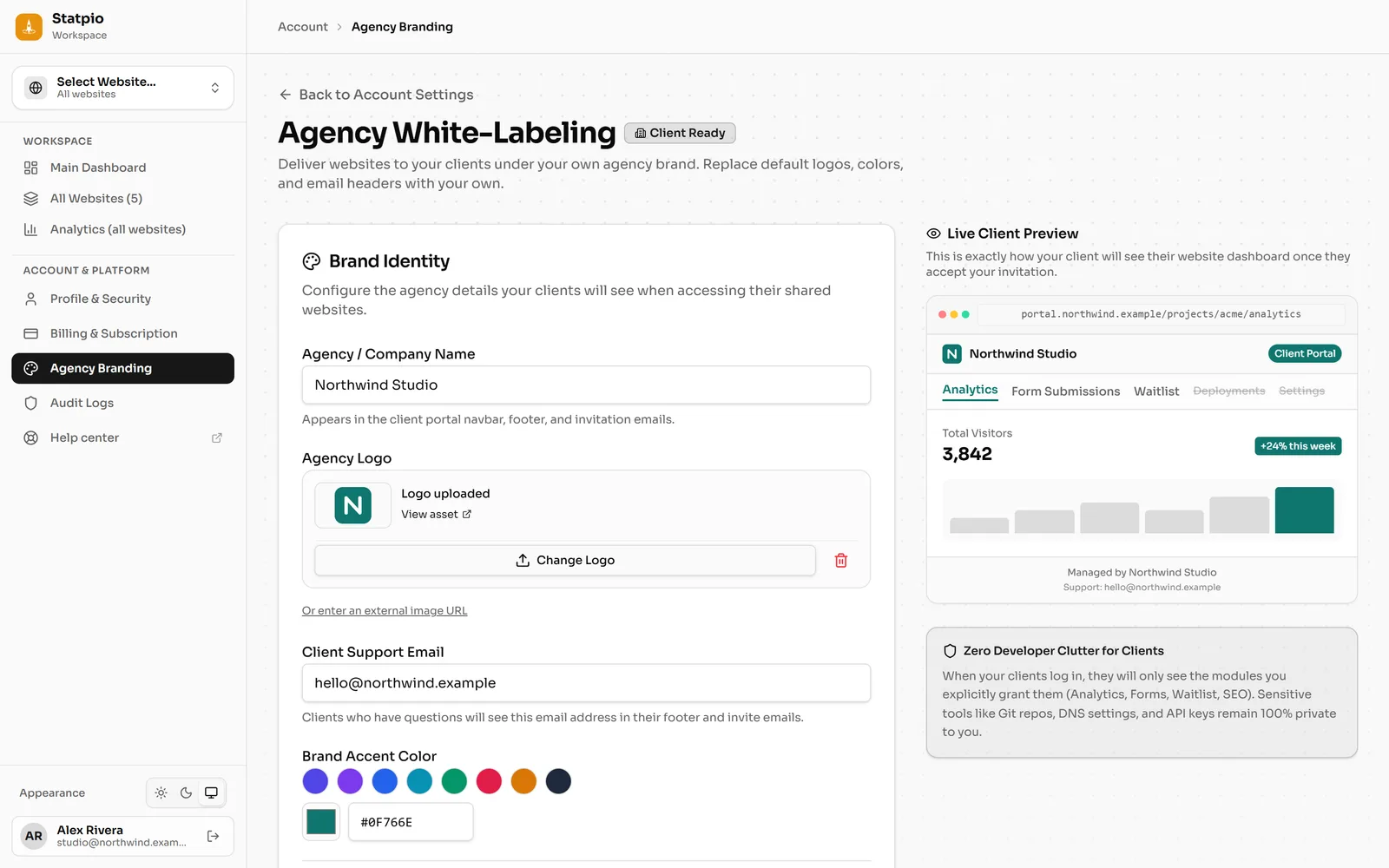
Agency Branding sets your agency’s name, logo, colour and support email, and the address of your client portal. Your clients then sign in under your brand. It comes with Agency Pro.
Step 1: Set your brand
In the sidebar, under Account & Platform, open Agency Branding. Fill in Agency / Company Name, Agency Logo, Client Support Email and Brand Accent Color. You can also hide the “Powered by Statpio” mark.
 (opens the full-size screenshot)
Step 2: Choose the portal’s address
Under Client Portal Access & Domains, keep the instant address on onstatpio.com, or add your own, such as
portal.youragency.com, as the custom portal domain. Click Save Branding & Portal Settings.For your own address, create the CNAME record the page shows (pointing to
cname.onstatpio.com) at your domain provider, then click Check DNS Status.Step 3: Your clients see your brand
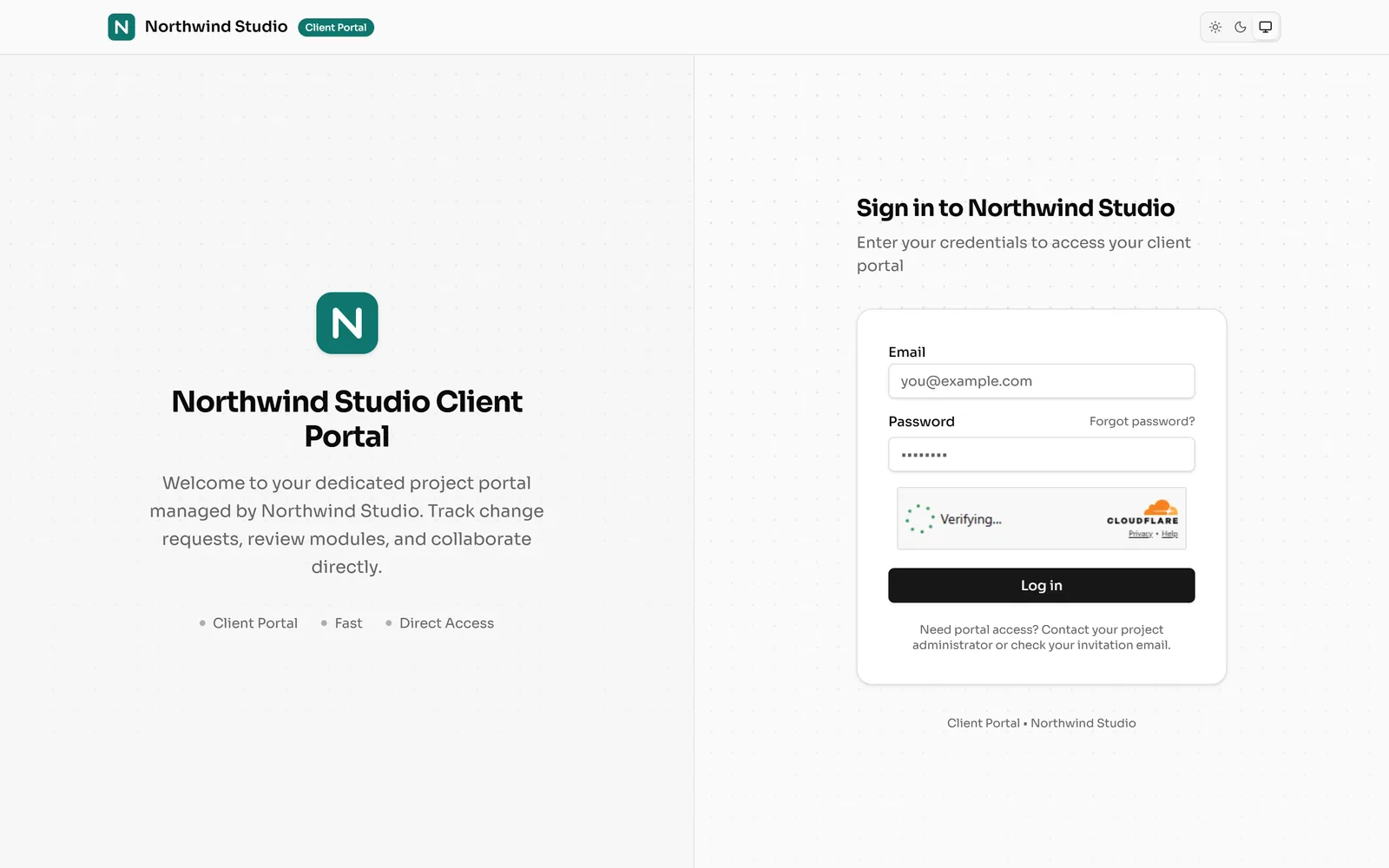
Clients now sign in on your portal, under your name and logo. The emails they get, such as invitations and change requests, carry your brand too.
 (opens the full-size screenshot)